Troubleshooting Guide
Adjustable Base Support
STEP 1: POWER & CONNECTIONS
Verify Wall Power
Ensure the bed is plugged into a working grounded outlet. Test the outlet using a lamp or another device to confirm power flow.
Check Power Supply Unit
Locate the black power box (AC/DC Adaptor in the power line). Confirm there is a steady green light.
Troubleshooting: If the light is not illuminated, power is not running to the base. Remove the 9V backup batteries from the AC/DC Adaptor unit for troubleshooting purposes.
Check Power Supply Unit
Check all connections to the control box. Ensure plugs are pushed in completely until they click or sit flush.
STEP 2: REMOTE & SAFETY FEATURES
Remote Illumination
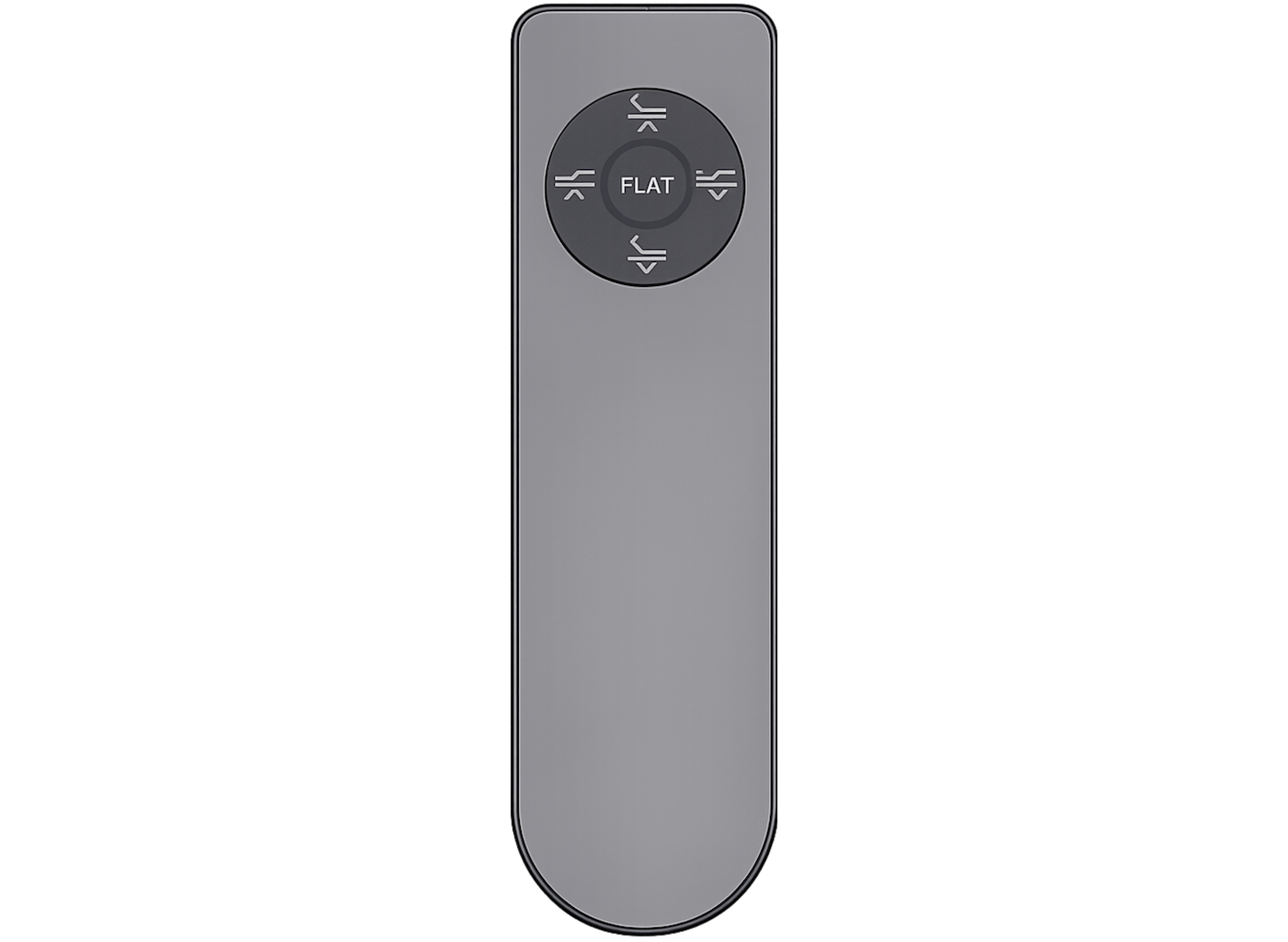
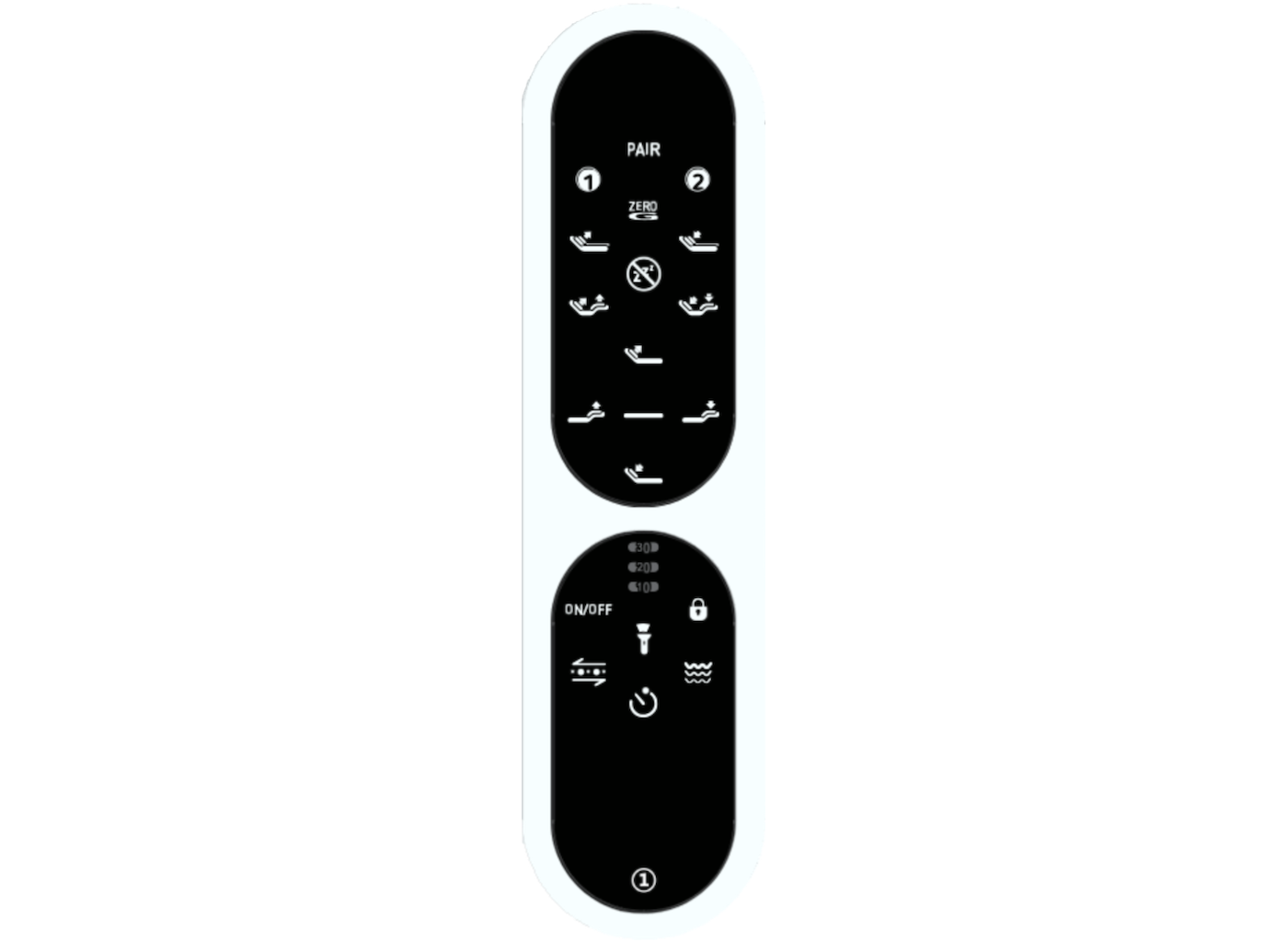
Press any button. If the button backlights do not illuminate, replace the batteries in the remote (typically AAA).
Safety Child Lock
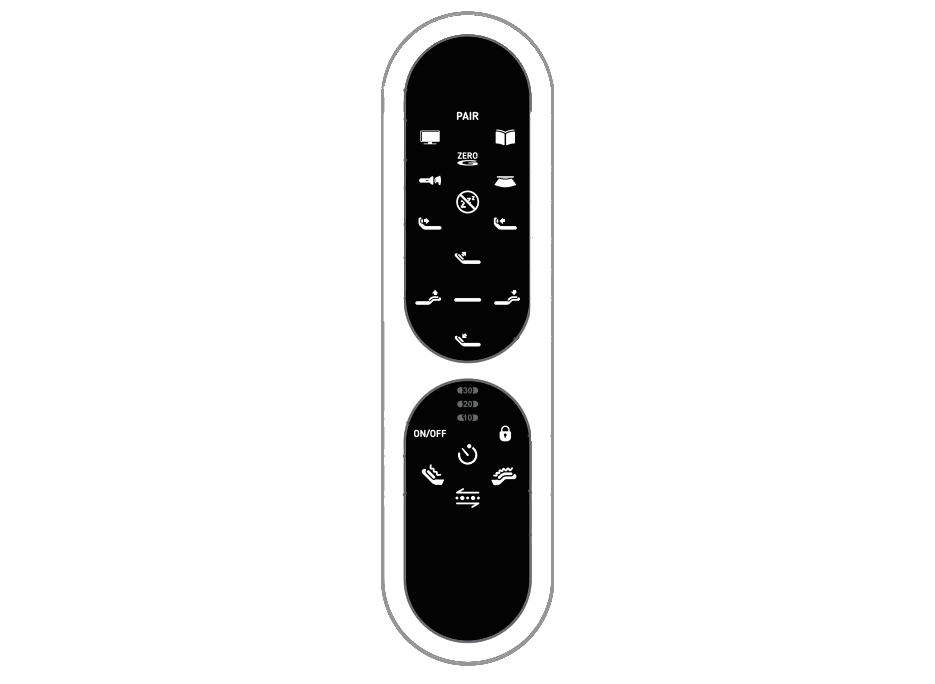
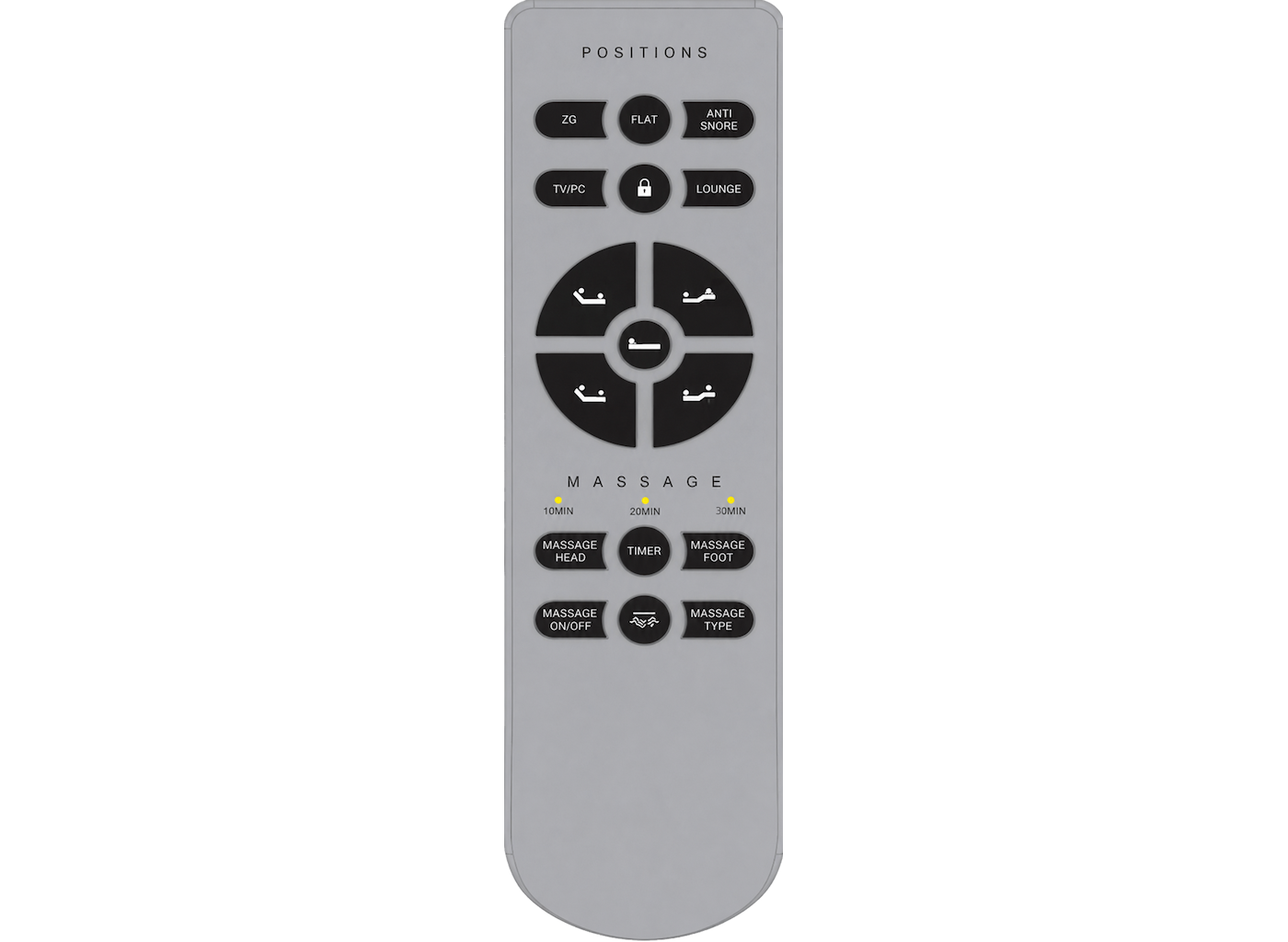
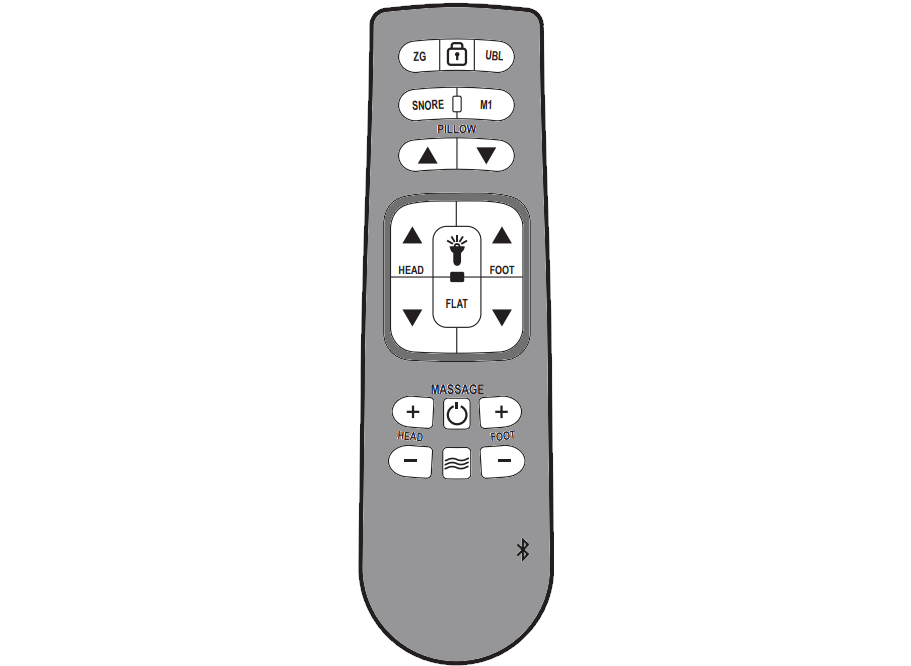
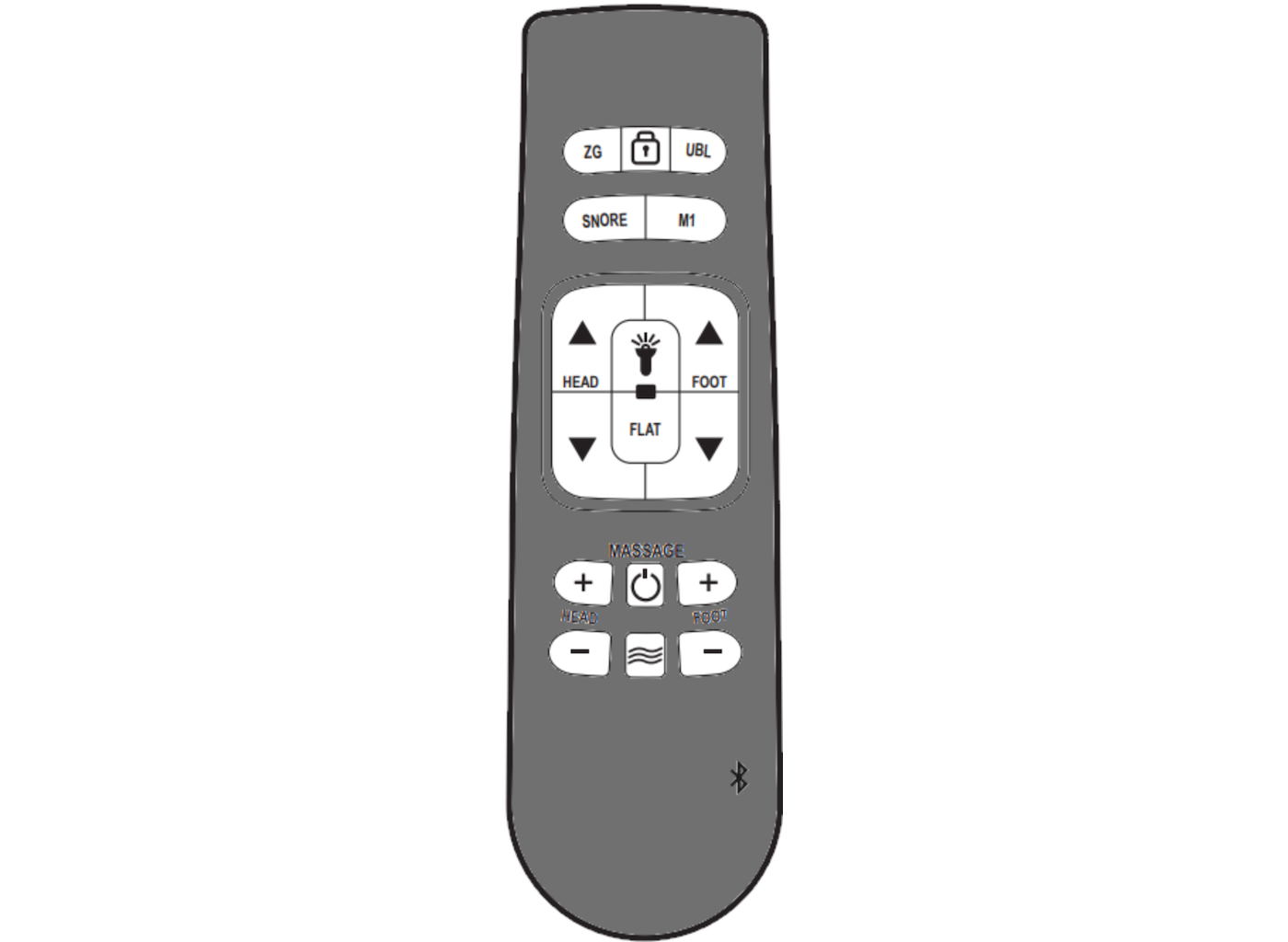
If the remote lights up but the bed is unresponsive, the lock may be active. Press and hold the LOCK button for 7 seconds to disengage.
Synchronization (Pairing)
If the remote and base have lost connection, perform the pairing steps. Refer to your remote user guide for specific instructions.
STEP 3: MECHANICAL CHECK
Obstruction Check
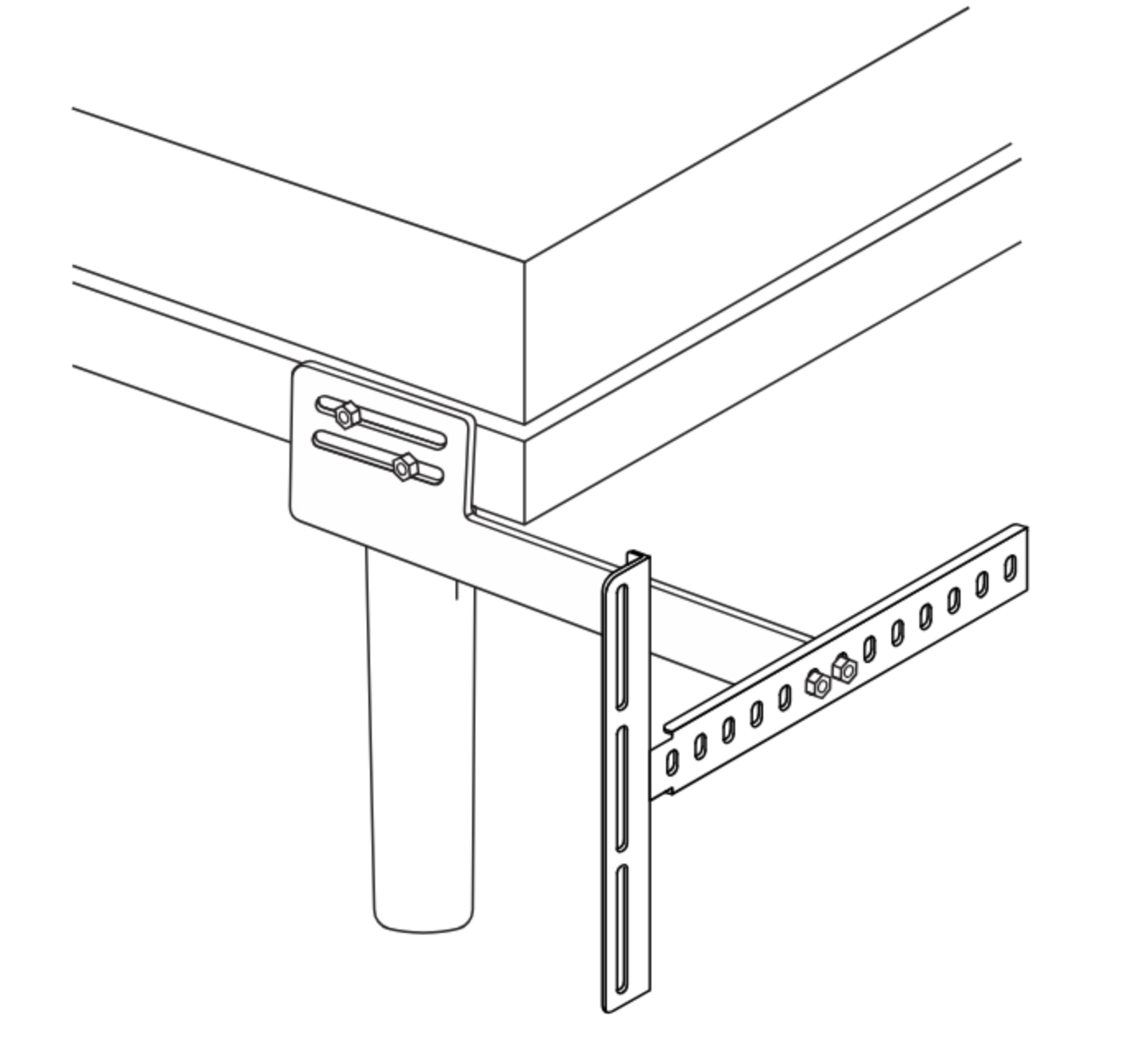
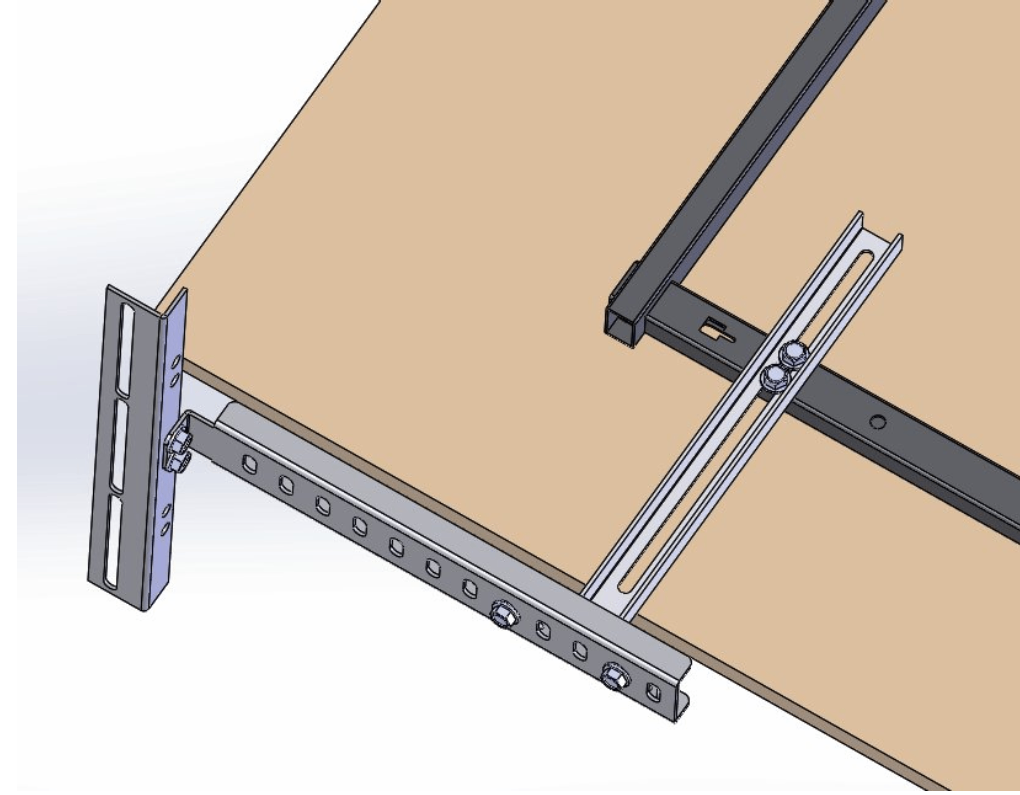
If you hear lift motors operating but there is no movement, ensure the base isn’t being held up on the bed frame, headboard, wall, or decorations surrounding the bed in any way.
If you require further help, please contact us from the phone number below
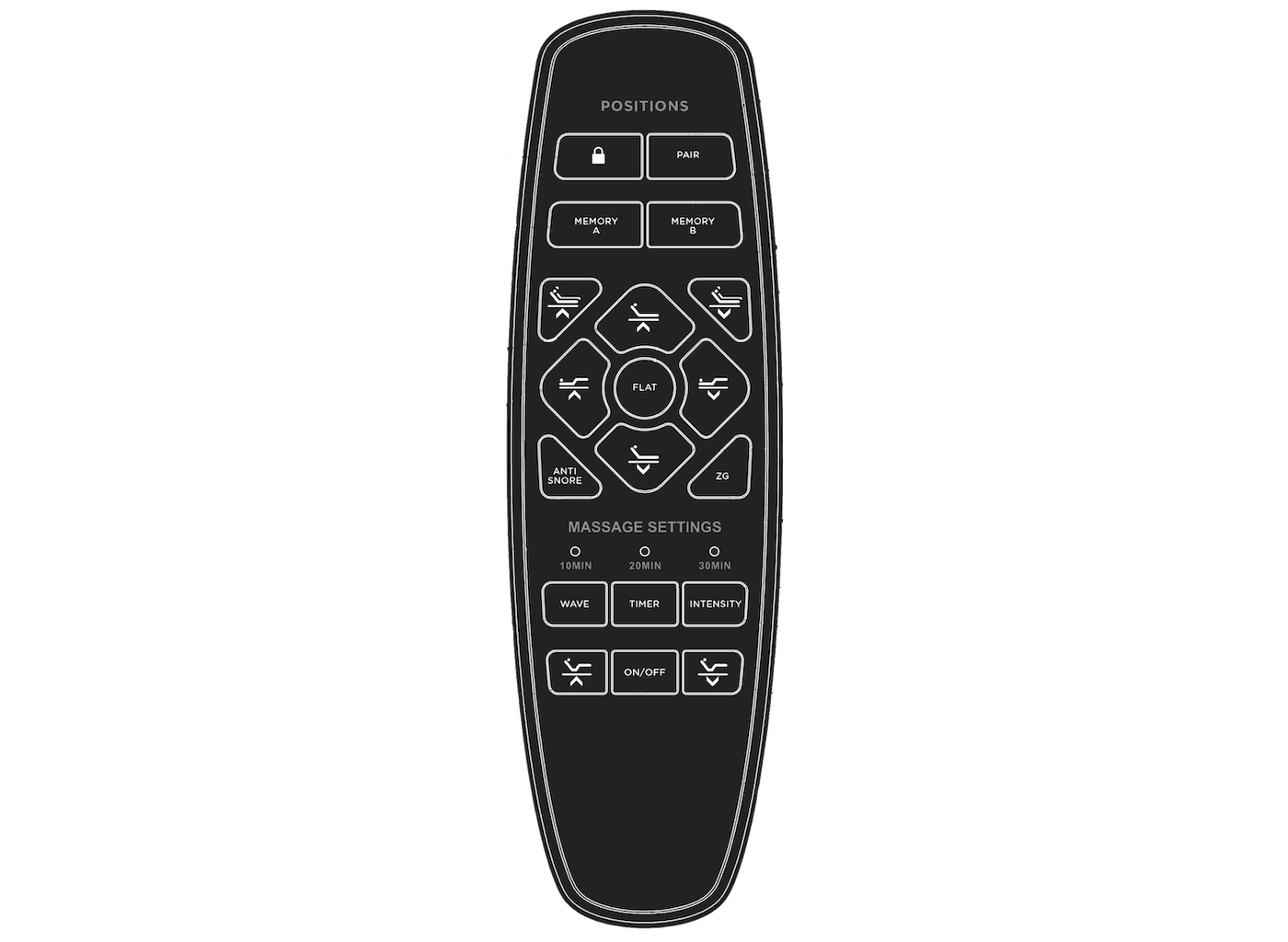
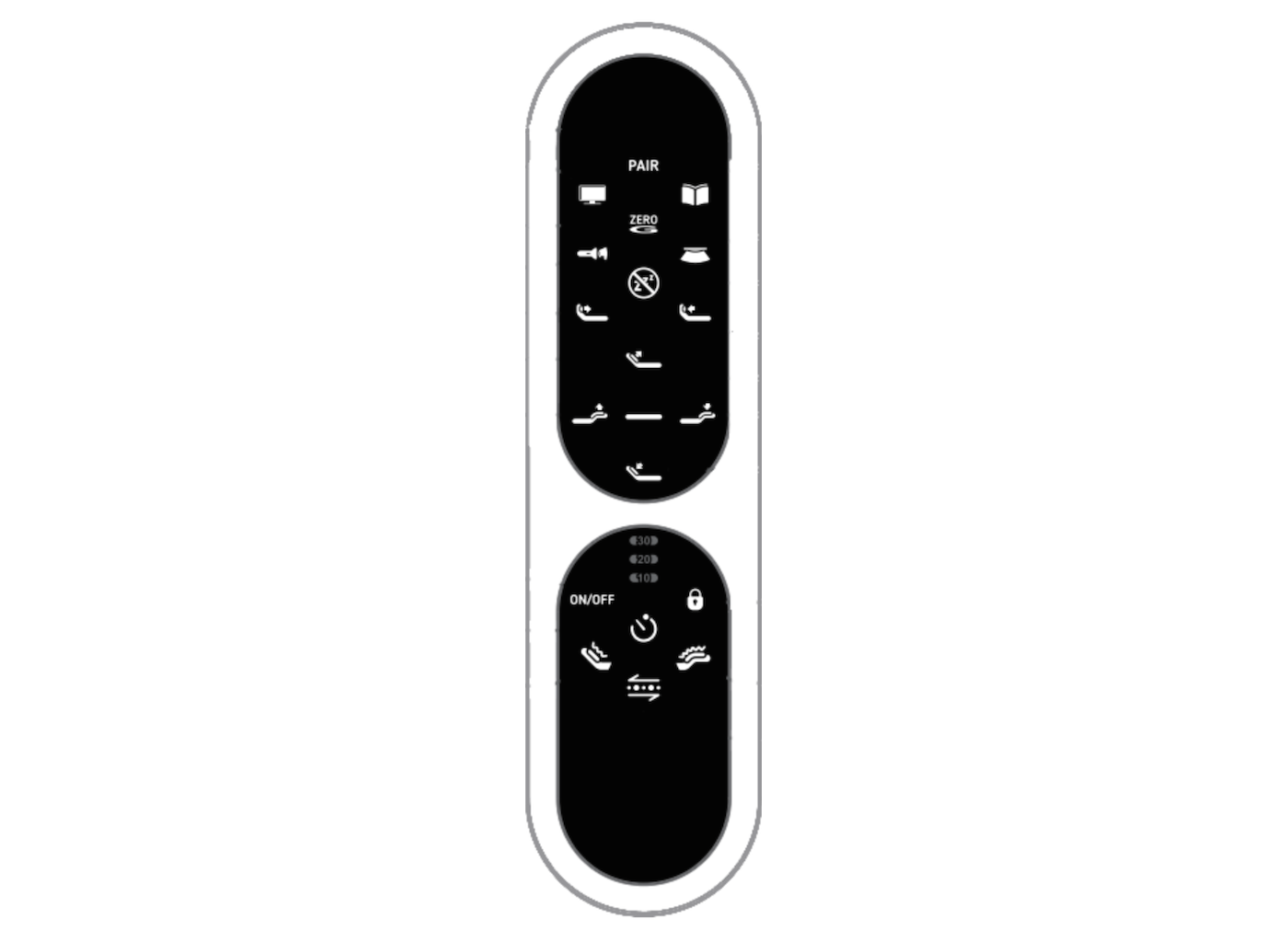
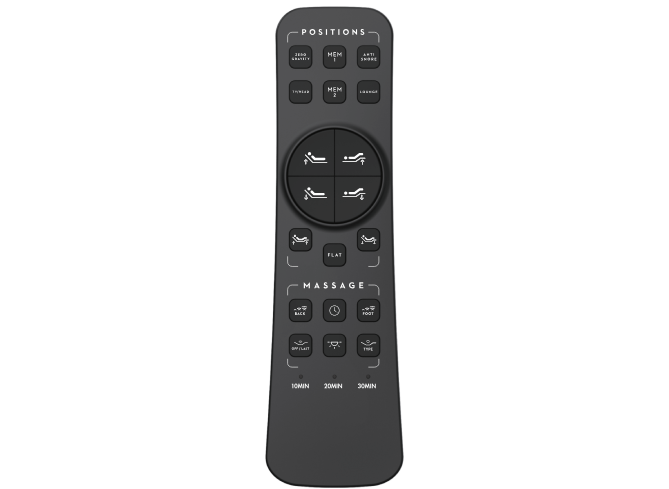
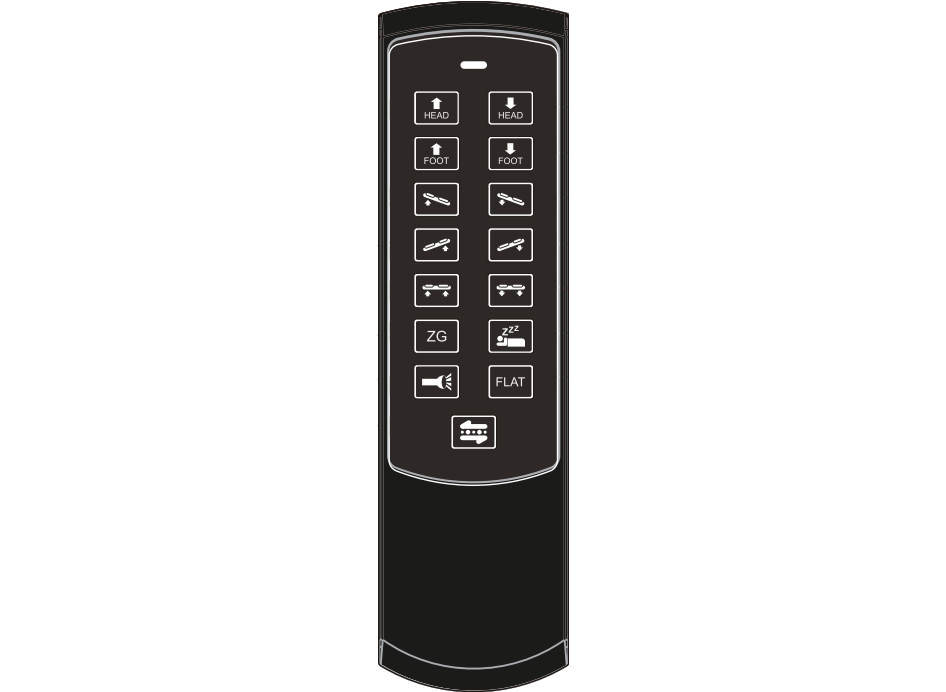
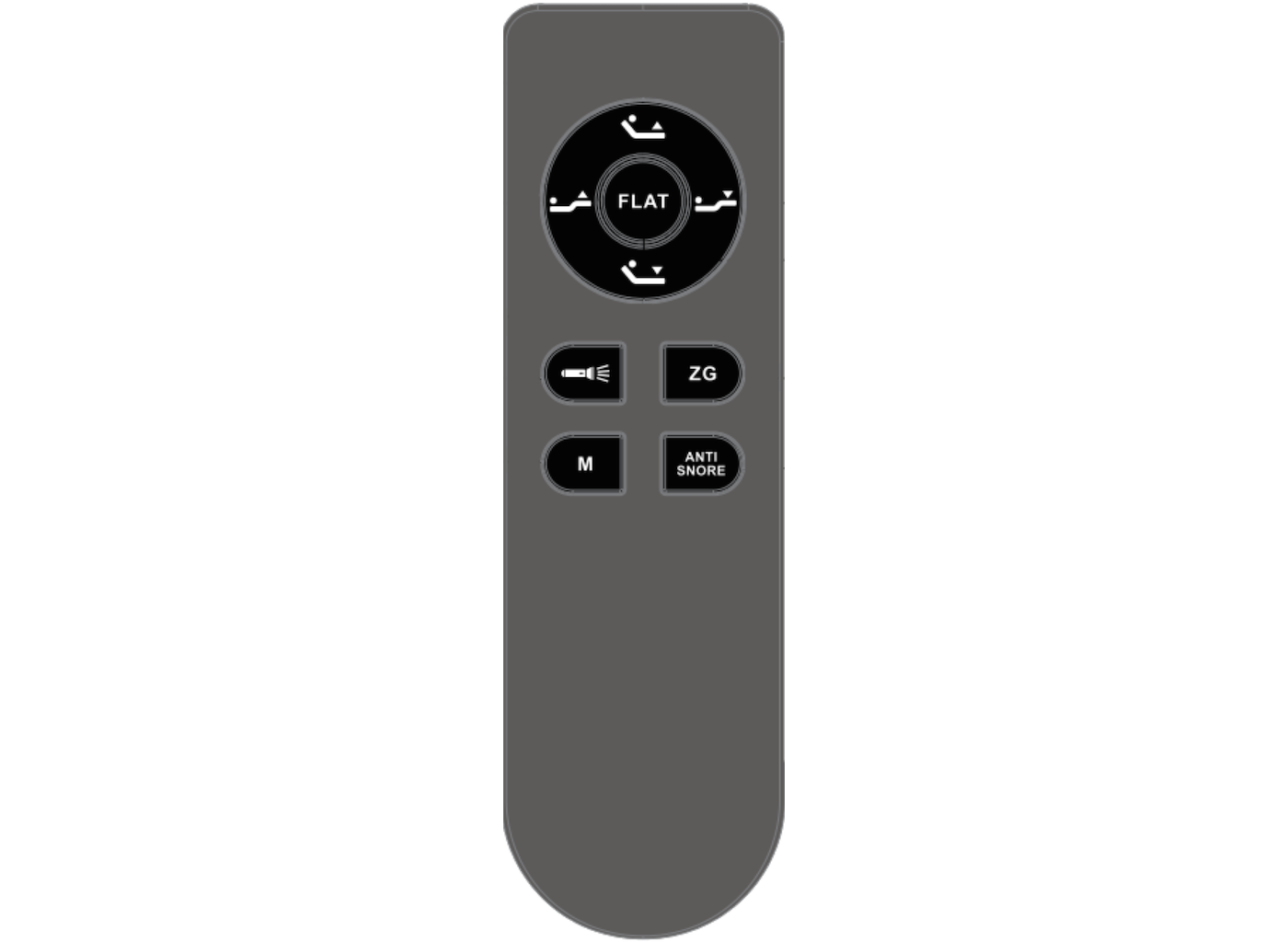
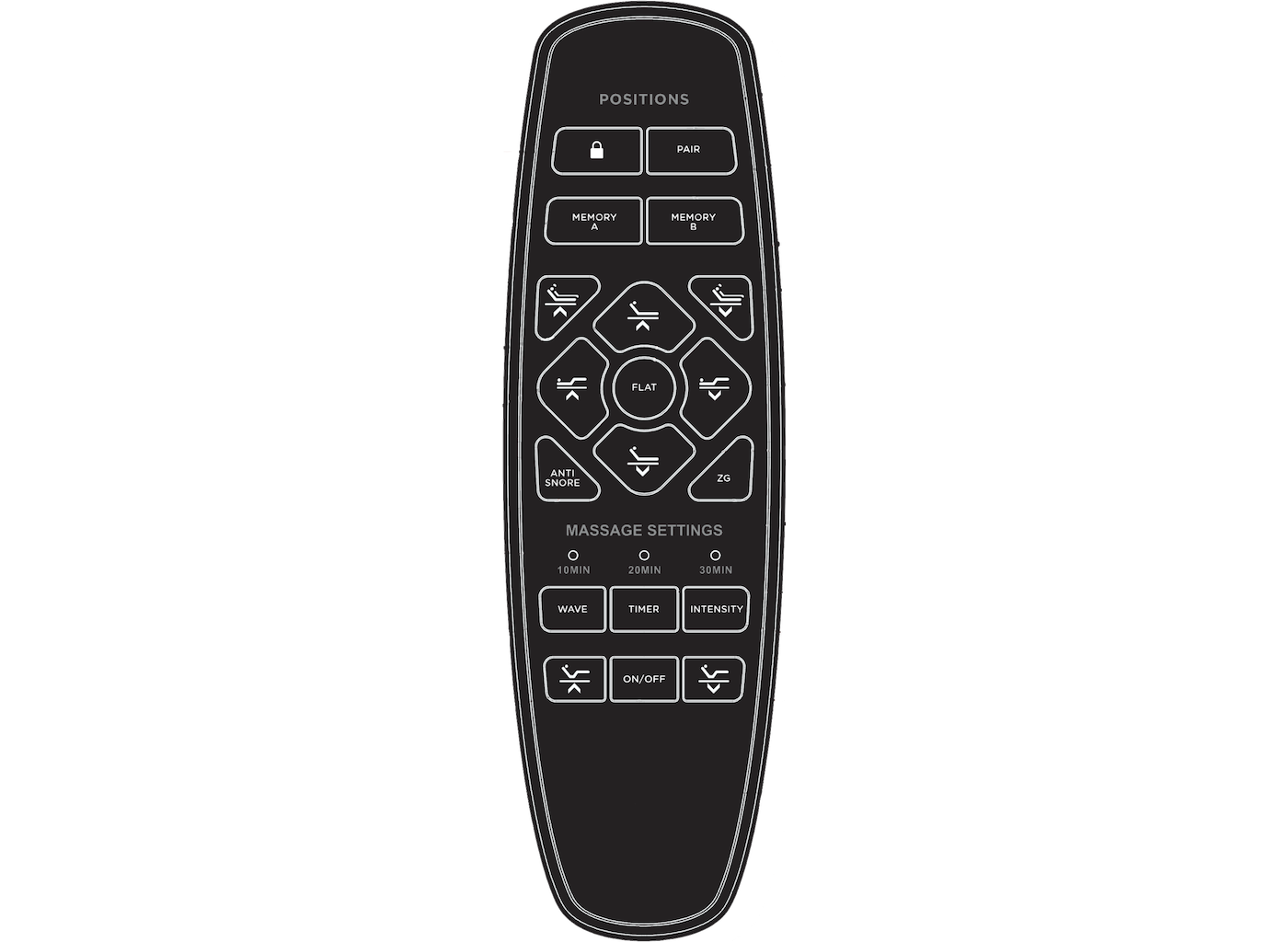
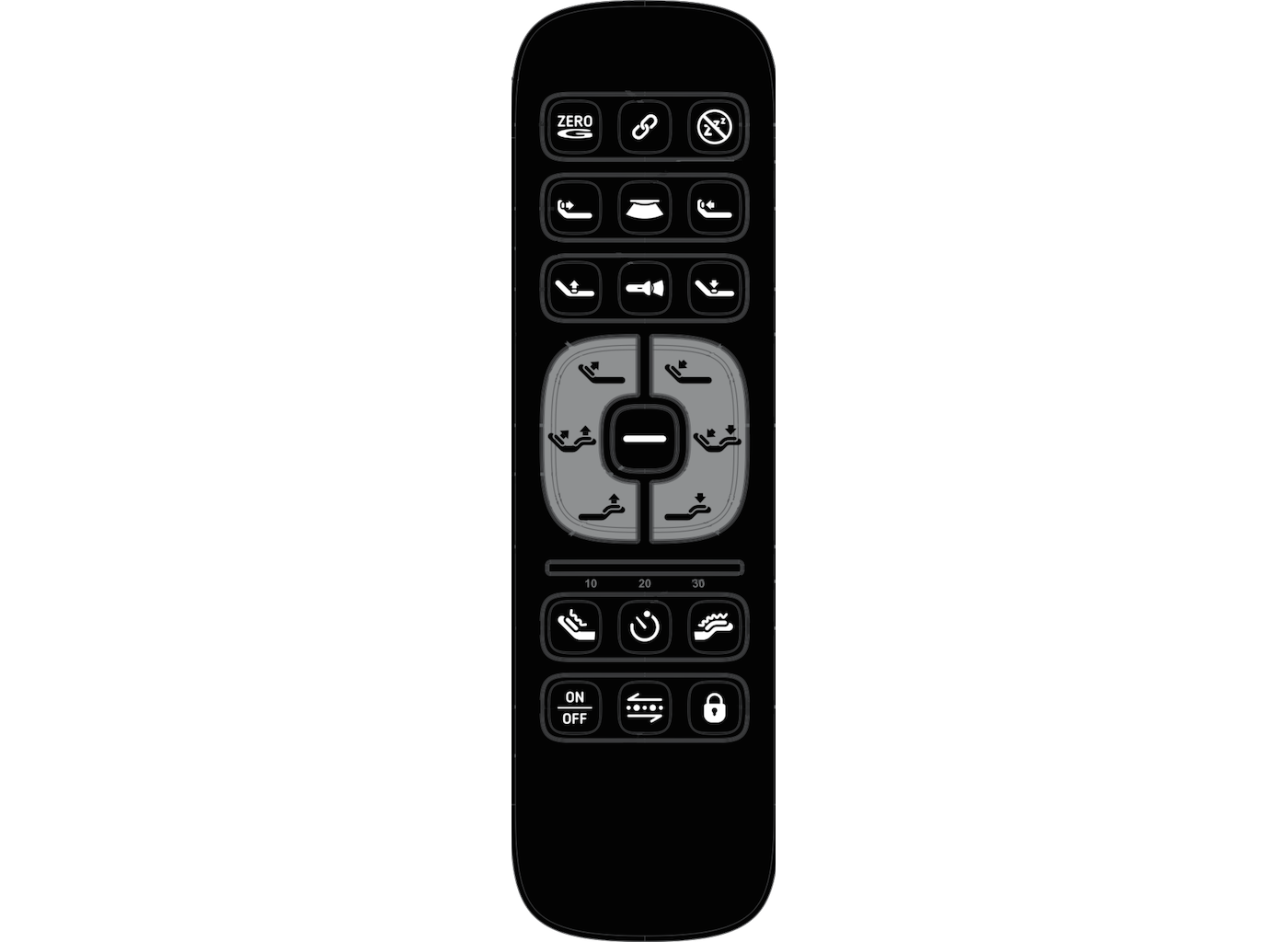
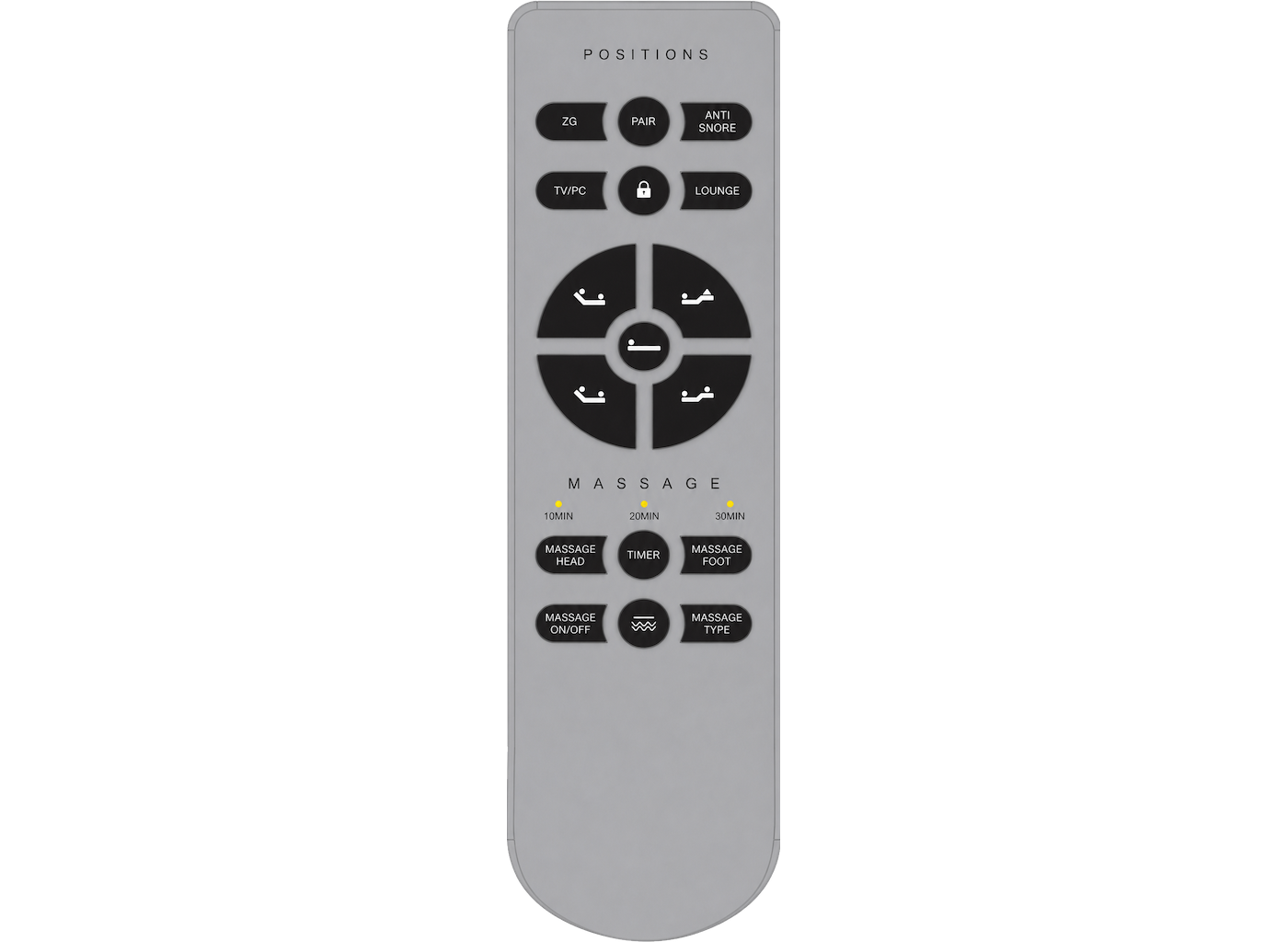
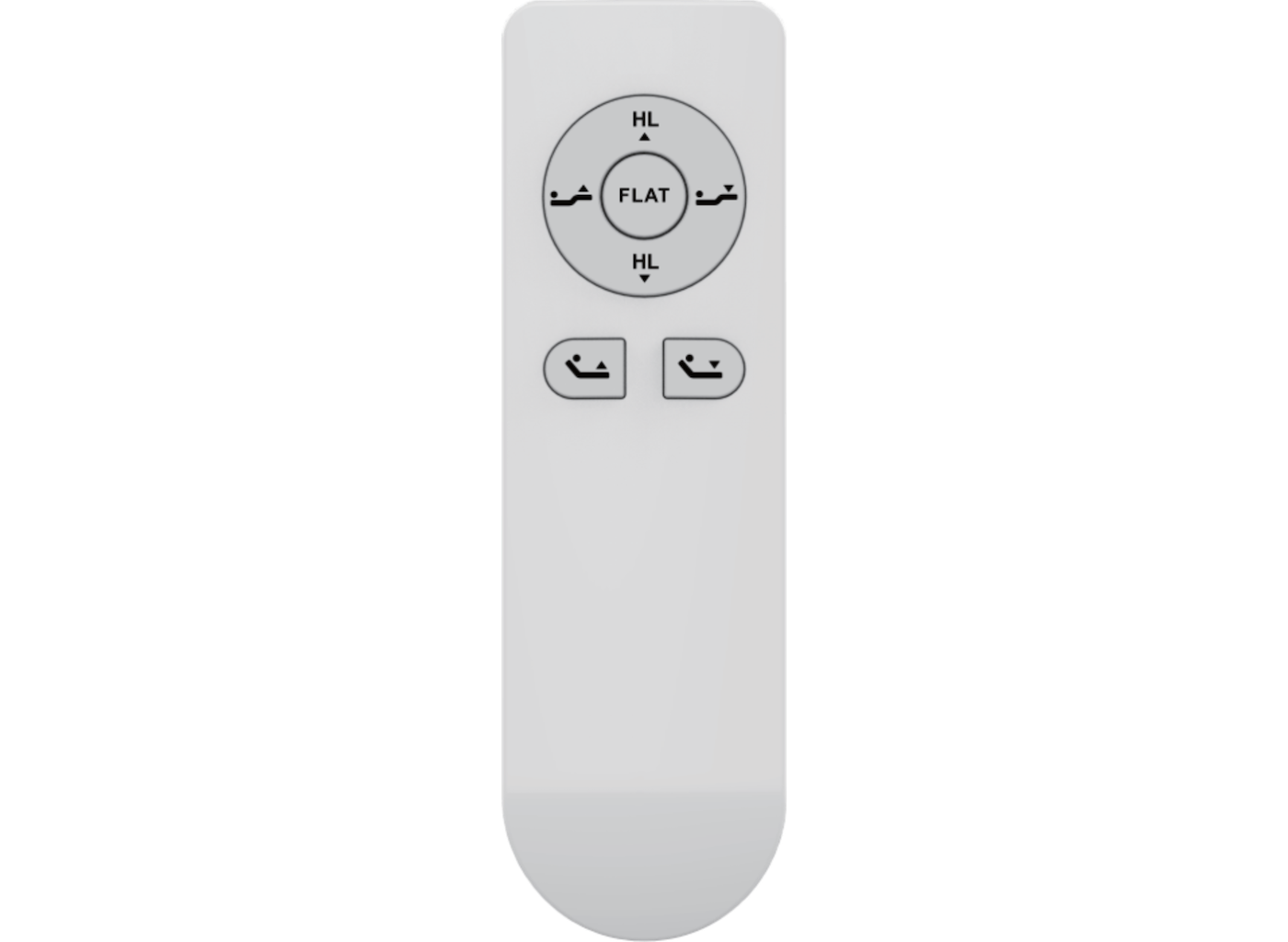
Find the Remote Guide for Your Model:
Find the Installation Instructions for your Headboard Bracket